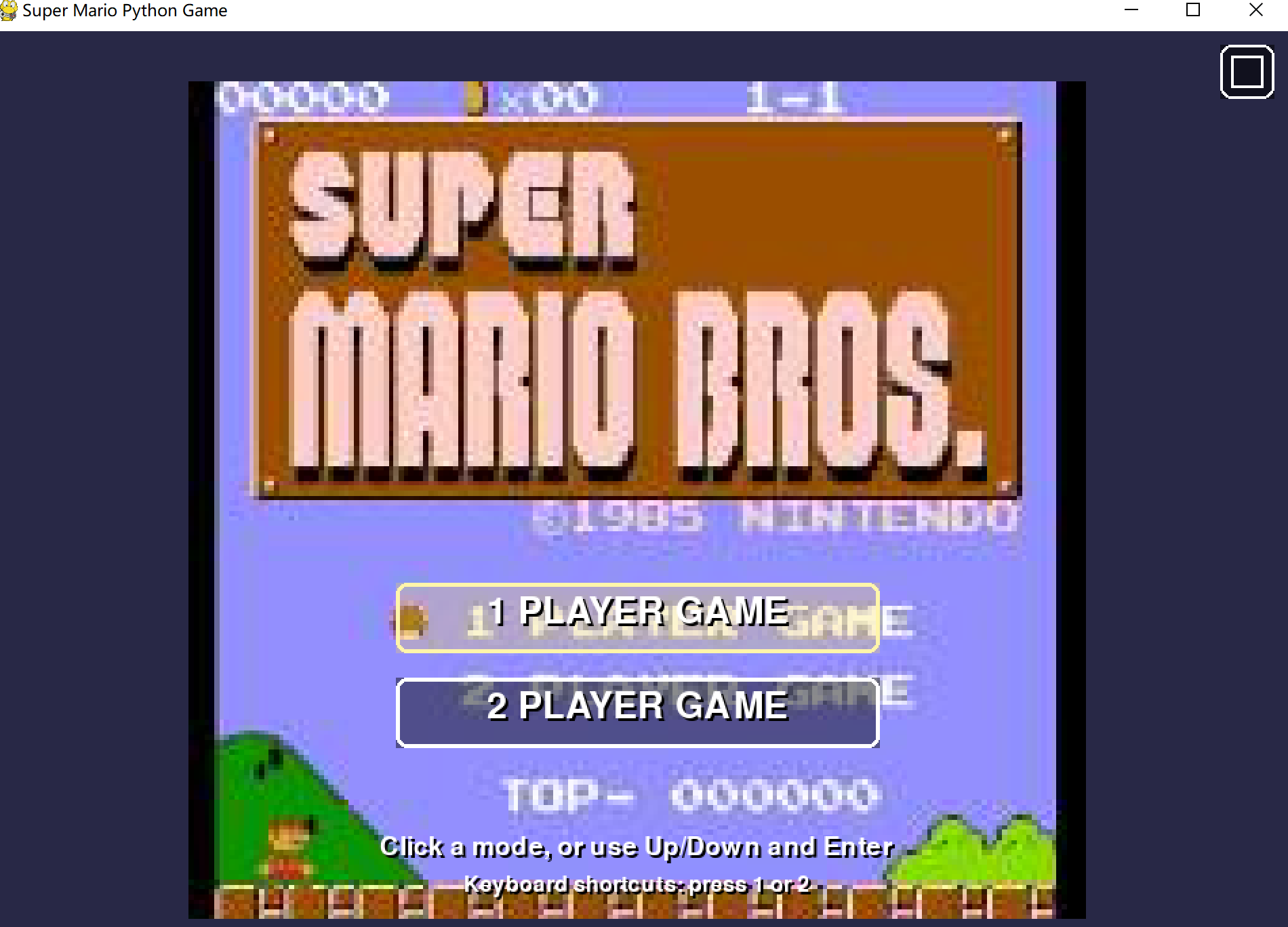
Super Mario singleplayer&2player!
A downloadable game for Windows
Super Mario: A Retro Platforming Adventure
Super Mario is a high-octane, retro-inspired platformer built from the ground up in Pygame. Journey through 20 procedurally-influenced levels filled with classic enemies, hidden treasures, and unique power-ups. Whether you are playing solo or teaming up with a friend, every run offers a fresh challenge!
🎮 Dynamic Game Modes
- 1-Player Mode: Take control of Mario with tight, responsive keyboard controls. Master the jump and punch mechanics to navigate treacherous gaps and defeat Bowser’s minions.
- 2-Player Co-op Mode: A unique take on local multiplayer!
- Mario remains on the keyboard.
- Luigi is controlled via Mouse + Keyboard. Move Luigi by sliding your mouse, right-click to jump, and use the number keys to fire. It’s a chaotic and fun way to play with a friend on one machine!
✨ Power-Up Your Gameplay
Discover "Lucky Boxes" to unlock powerful transformations:
- 🔥 Fire Flower: Blast enemies with bouncing fireballs.
- ❄️ Ice Flower: Freeze enemies in their tracks and turn them into platforms.
- 🍄 Mushroom: Enhance your jump and take an extra hit.
- 🌟 Star: Temporary invincibility and pure speed.
- 🏅 Golden Form: A rare, permanent boost to your physics and jumping ability.
🛠️ Features
- 20 Challenging Levels: Progress through increasingly difficult terrain.
- Combat System: Don't just stomp—Punch! Use your Shift key to knock enemies back or smash bricks to pieces.
- Seamless Camera: A smart camera system that keeps both players in view during co-op play.
- Persistent Scoring: Collect coins to earn extra lives and rack up a high score to show off your platforming skills.
⌨️ Controls
| Action | Mario (1P/2P) | Luigi (2P only) |
| Move | A/D or Arrow Keys | Mouse Movement |
| Jump | W / Up / Space | Right Click / Space |
| Punch | Left Shift | Left Shift |
| Shoot | F | 1 or Numpad 1 |
Download
Install instructions
📥 Installation Instructions
Since this game is a standalone portable build, there is no "installer" needed. Just follow these steps:
- Download the
.zipfile from the link below. - Extract All: Right-click the downloaded zip file and select "Extract All..." (or use 7-Zip/WinRAR).
- Crucial: Do not try to run the game from inside the zip folder, or the images won't load!
- Open the Folder: Enter the newly extracted folder. You should see
gamev3.2.3.exealong with several image files (0.png, 1.png, etc.). - Run the Game: Double-click
gamev3.2.3.exeto start playing!
⚠️ Troubleshooting
"Windows Protected Your PC"
Because this is an indie executable not signed by a major corporation, Windows SmartScreen might pop up.
- Fix: Click "More Info" and then click "Run Anyway."
Missing Textures / Black Boxes
If the game opens but you see solid colored blocks instead of Mario or the background:
- Fix: Ensure the
.exefile is in the same folder as all the.pngand.jpgfiles. If you move the exe out of that folder by itself, it won't be able to find the art assets.
Controls Not Responding
- Fix: Make sure the game window is "focused" (click on the game window with your mouse once it opens).